WhatsApp Desktop
WhatsApp for PC is the most popular web app that helps you end-to-end encryption chat and audio/video calls.

Safe & Secure
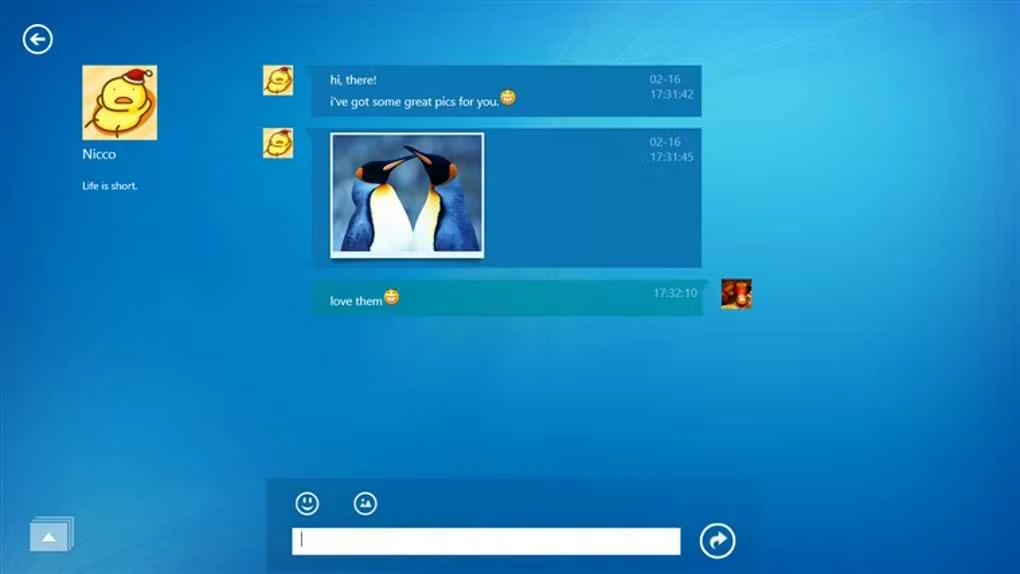
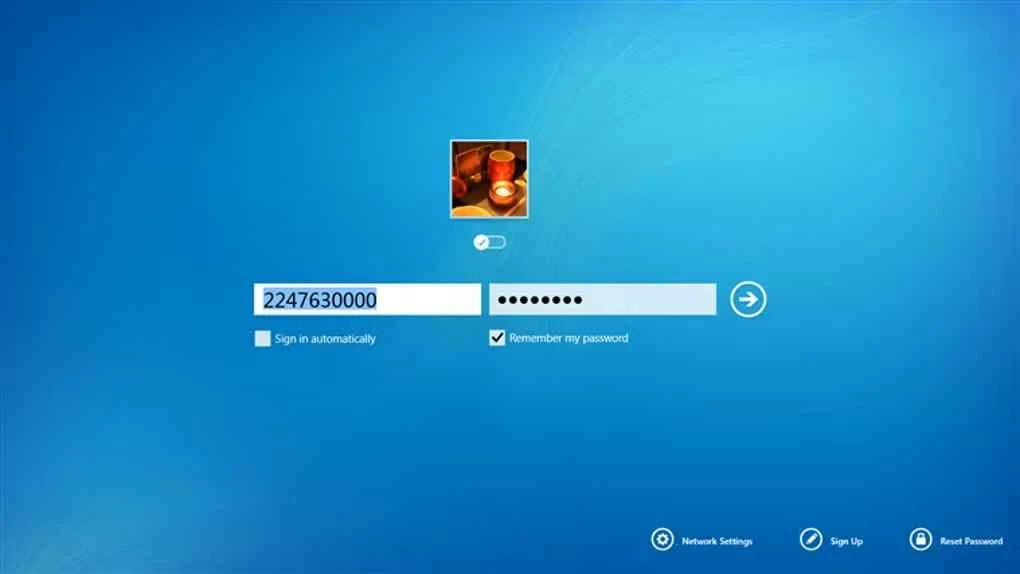

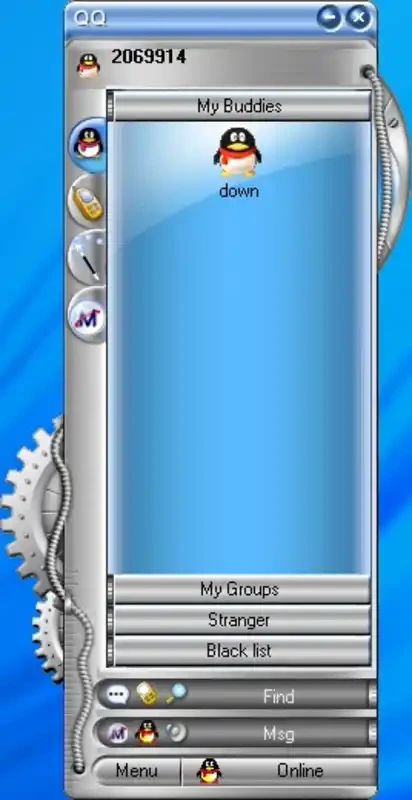
QQ is a simple yet efficient instant messaging app to offer no cost services in different scenarios, such as text messaging, audio and video calling, and secure file sharing. It is basically designed for the Chinese community, but is now available in parts of the world and offers integration with multiple social services, including shopping, and so on.
You can use your existing QQ accounts to sign in, as the app offers synchronization between multiple devices. It is similar to other instant messaging apps and offers a streamlined interface to manage your communication more reliably, with support for multiple languages.
QQ, developed by the huge Chinese company Tencent and initially launched in 1999, is a versatile, free, and global messaging software. It not only offers free services, but also offers some paid virtual items that can be purchased using the digital currency called ‘Q Coin’. You can use the app while selecting your desired language.
The free-to-use app offers versatility of functionality with additional digital services and optional in-app purchases. Similar to other such apps, it also manages the entire communication process, offering social networking, file sharing, voice and video calls, and so on.
The user interface with a sleek design makes your chats and talks simple and intuitive. On launching the app, you will find the main window divided into two panels: a right panel with the contact list, and a left panel with chats. It makes navigation quick and simple, categorizing the contact list into multiple sections, including recent contacts, friends, and groups. It ensures a pleasant chatting experience while supporting rich text formatting and multimedia attachments. Moreover, the comprehensive settings menu is highly customizable, enabling users to change themes, set notification preferences, manage privacy settings, and so on.
It is one of the core features, allowing users to share instant messages in real-time. It supports both types of conversations: one-to-one and group chats, and support for rich text formatting, emojis, and multimedia attachments makes the entire ecosystem full of entertainment. Users can type messages, add emojis, and impress their recipients a lot.
The support for stunning social networking features allows users to share their daily activities in different ways, such as posts, photos, and videos. Moreover, you can create and customize profiles, create photo albums, add friends, comment on others posts, and share status updates as well. In addition, the app offers awesome integration with all services available in the Tencent ecosystem. It ensures your access to your desired multimedia content right from the app.
Beyond instant messaging, the app also allows users to talk with their friends and family, offering high-quality audio as well as video calls. You cannot only start one-to-one conversations but also a conference call by adding multiple people. It proves to be the best solution in different scenarios, such as personal communication, business meetings, and virtual gatherings.
Similar to other instant messaging apps like WhatsApp, Telegram, and WeChat. The app also streamlines an effortless file-sharing facility, allowing users to share their documents, photos, videos, and even presentations. It proves he most convenient tool for both professionals and individuals to send files up to 2GB, and also offers seamless synchronization between multiple devices to cater to file transfer from anywhere, anytime.
Availability of customization options helps users to personalize the app according to their preferences. So, users are allowed to use extensive library of themes, wallpapers, and custom avatars to personalize their chat screen. Select stunning stickers or ringtones to make your profile unique and impressive. It also offers a premium mode with additional features, including extra storage, exclusive game options, and access to special content.
Pros
Cons

WhatsApp for PC is the most popular web app that helps you end-to-end encryption chat and audio/video calls.

Microsoft Teams collaboration and communication tool for personal and professional use

Download Facebook Android APK on PC Windows (7/10/11) to upload and share your happy memories, photos, and videos.

Zoom App for PC get all of your co-members and students in a video conference

Discord Canary, test upcoming features before they release

Telegram Desktop is Communication app for PC. Working under the MTProto protocol.